Solutions
Wherever paper slows
your operation down.
IMAGICS is used wherever names, addresses, phone numbers and reference numbers still arrive on paper. Here is how it fits three common teams.
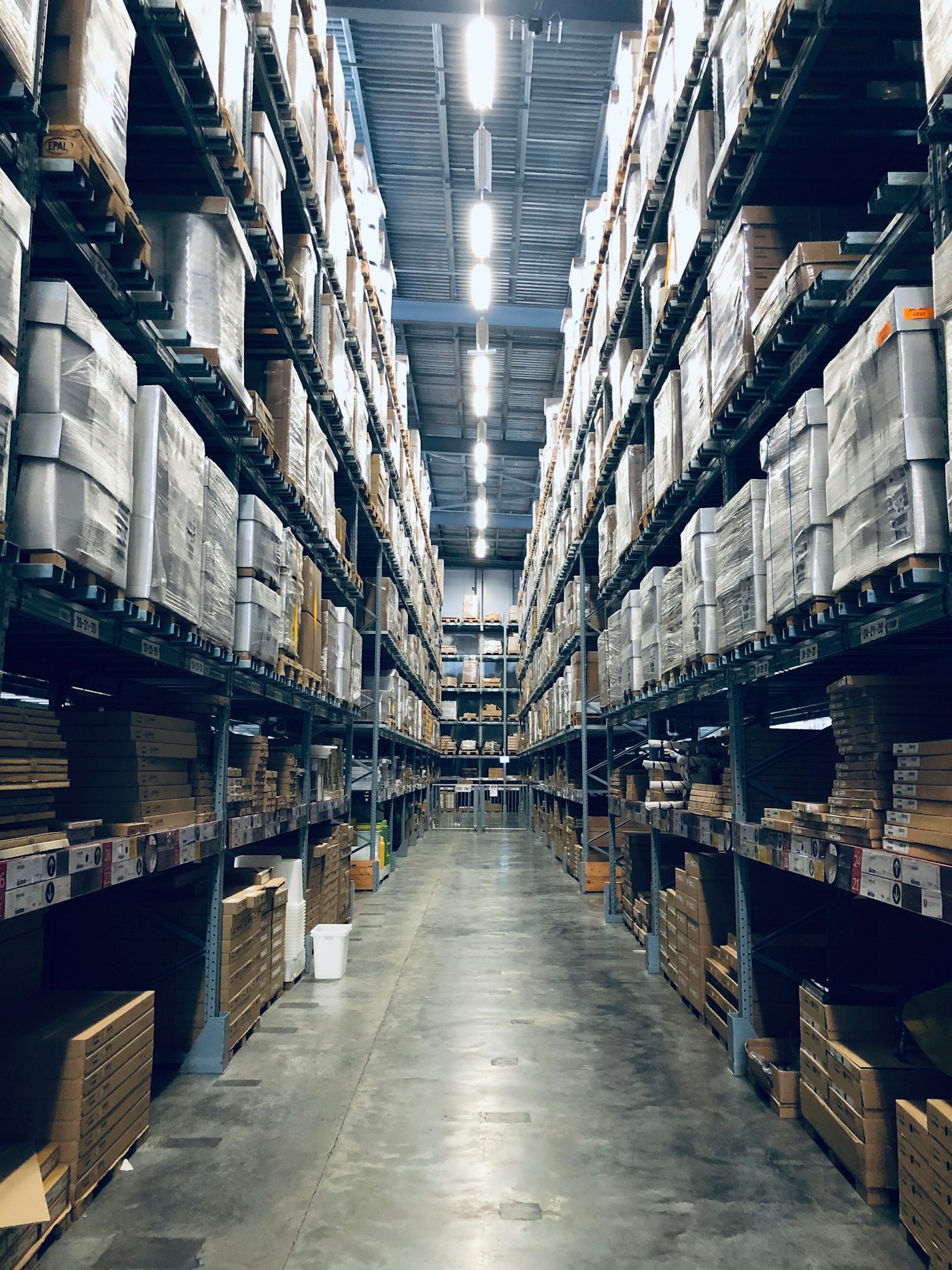
Logistics & warehouses
Every label and slip, logged without typing.
Inbound and outbound paperwork piles up fastest where goods move. IMAGICS turns delivery notes, labels and dispatch slips into rows you can track, sort and import the same day.
Typical documents
- Delivery notes and consignment slips
- Shipping and address labels
- Dispatch and receiving forms
What changes
- Reference numbers read from the barcode, exactly
- Receiver, address, city and phone in separate columns
- Excel in the layout your warehouse system imports

Field teams
Data from the road, in the office in minutes.
Staff on the move photograph documents where the work happens. The Field Camera makes sure every photo is usable, and the office sees results while the team is still out.
Typical documents
- Proof of delivery and collection slips
- On-site forms and checklists
- Handwritten notes and job cards
What changes
- Guided capture that rejects blurry, dark or cut-off photos
- Works without signal, sends when back in range
- See what each person sent today on the dashboard

Back offices
Clear the backlog in one batch.
Boxes of paper records, order forms and registration slips do not need a week of data entry. Upload them in one go, check what is flagged, and export.
Typical documents
- Order and registration forms
- Archived paper records
- Customer and supplier slips
What changes
- Hundreds of images or a ZIP in one upload
- Review and approval before anything is exported
- Repeat scans detected and never charged twice
Your documents.
Our reading.
Send us a few sample photos and we will show you the data IMAGICS gets from them.