Useful over impressive
We judge IMAGICS by one thing: how many hours of typing it takes off your team's plate.
About IMAGICS
Companies still move on paper: labels, slips, forms and notes. Someone has to turn them into data. We built IMAGICS so that someone is a machine, and your people can do work that matters.
Why we exist
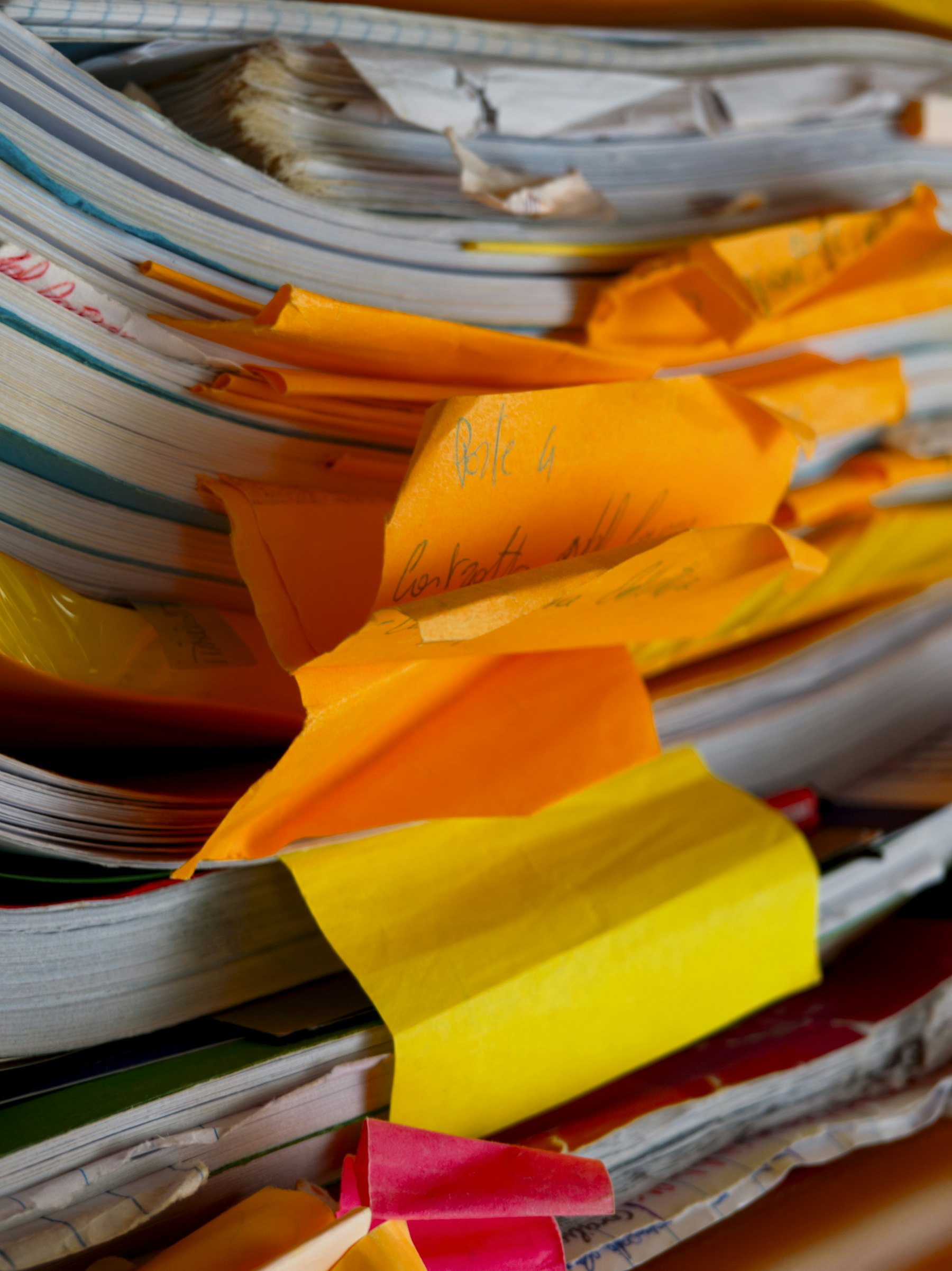
We kept meeting teams who spent whole days copying names, addresses and numbers from paper into spreadsheets, then whole days fixing the typos.
IMAGICS reads the paper for them. It works on the documents people really produce: handwritten, creased, photographed in a hurry. When it is unsure, it asks a person instead of guessing.
Our mission
Any label, slip or form, printed or handwritten, from any phone or scanner.
Confidence on every field, and a person in the loop wherever it matters.
Straight into the spreadsheet or system you already use.
What we believe
We judge IMAGICS by one thing: how many hours of typing it takes off your team's plate.
When we are not sure about a field, we say so and show it to a person. A flagged field beats a wrong one.
You pay for data you can use. Unreadable photos give their credit back, repeats are free, and there are no seat fees.
From the office manager to the person holding the phone in the rain, we design for the whole team.
Work with us
If you sell software or services to logistics, field or back-office teams, IMAGICS can be part of your offer. Let's talk.

See IMAGICS read your own documents in a 30-minute demo. We set up your account and export layout for you.